









FAQ
If I forget my phone’s password, how to reset the password?
Resolution
You can do the following:
- Set via Factory Reset
- If the phone had been bound to other service provider on RPS server, please remove the devcie from RPS by yourself.
- After completing the above steps, you will be able to log in to the web user interface using “admin”.
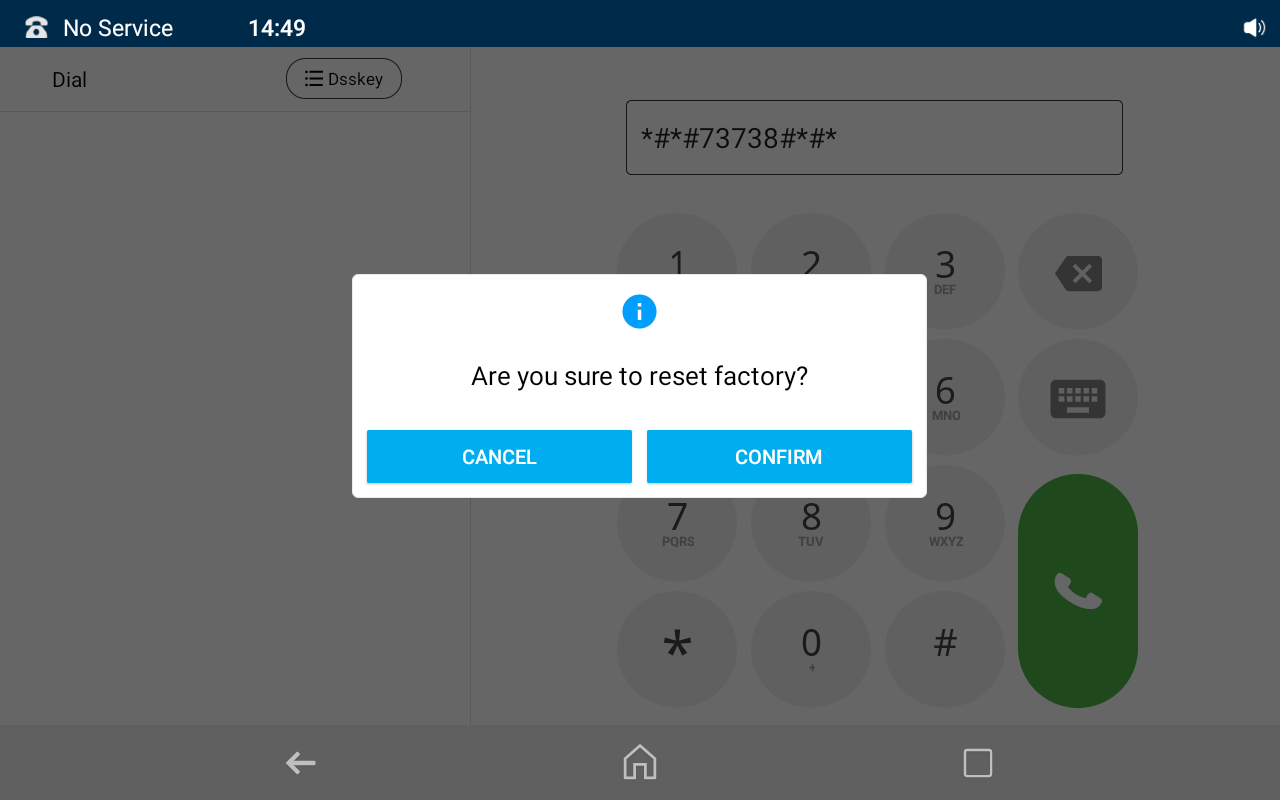
- Enter *#*#73738#*#* on your phone’s dial page.Click CONFIRM when a pop-up window pops up to Restore to Factory Settings.
- Set via Zero Touch
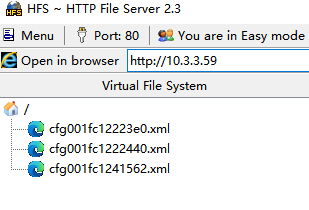
- Input the parameter into the XML configuration file.

- Put this file on your provision server
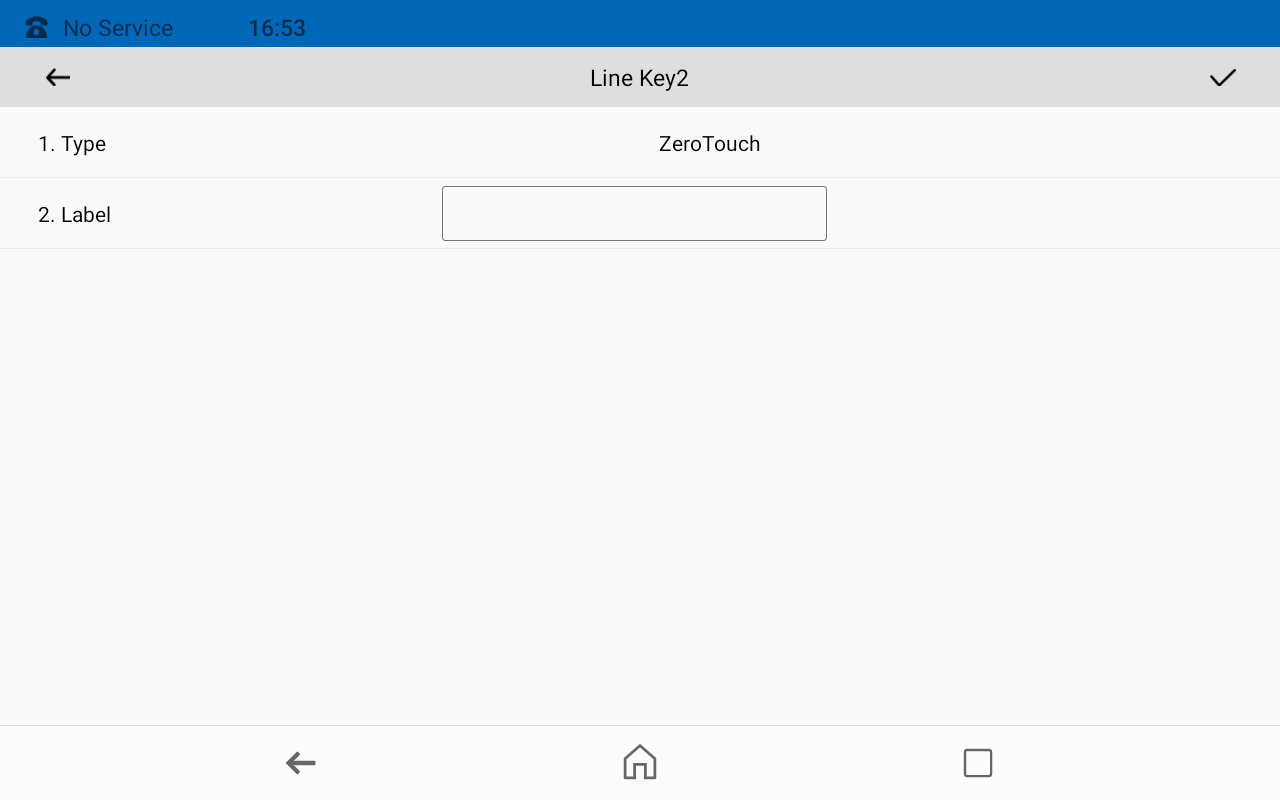
- Set a line key,and choose the Type as Zero Touch.
- After this linekey is set, press it once, you will see the below screen, and then press UPDATE.
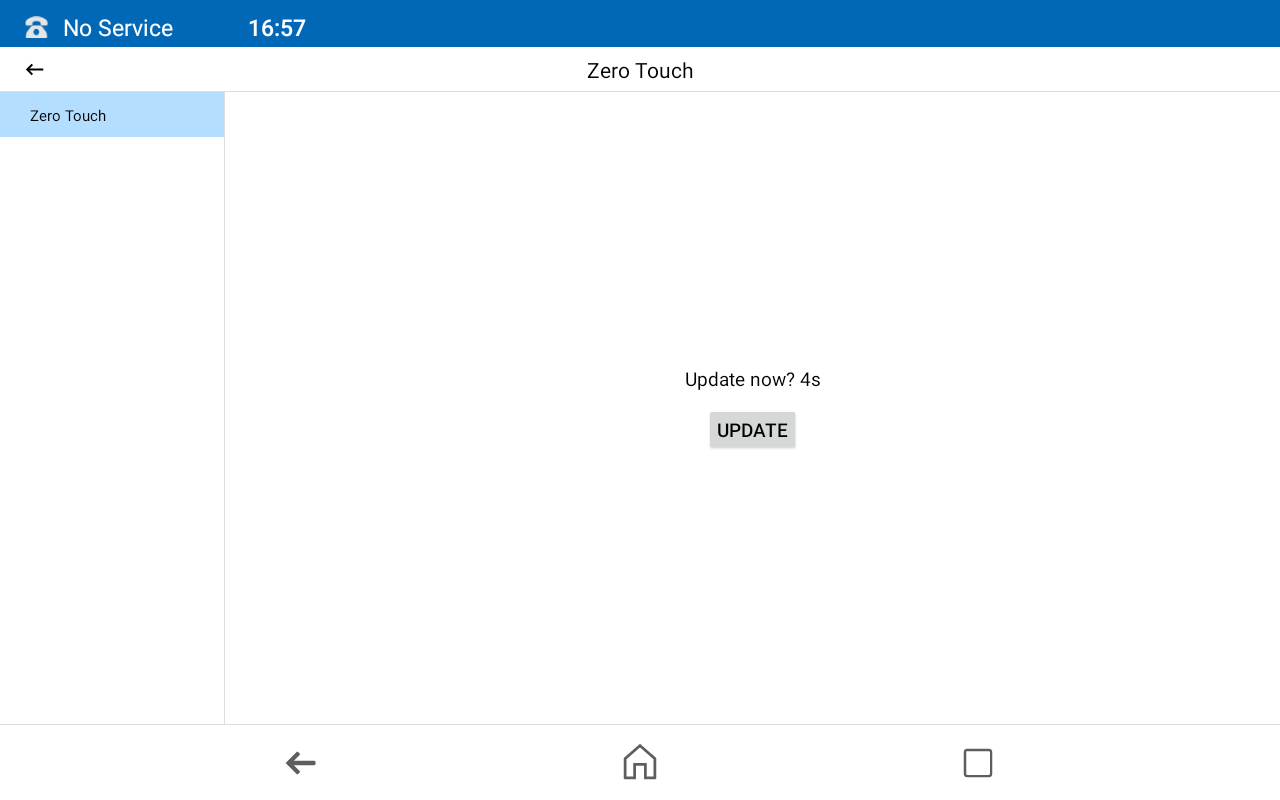
- Then press Next > OK.
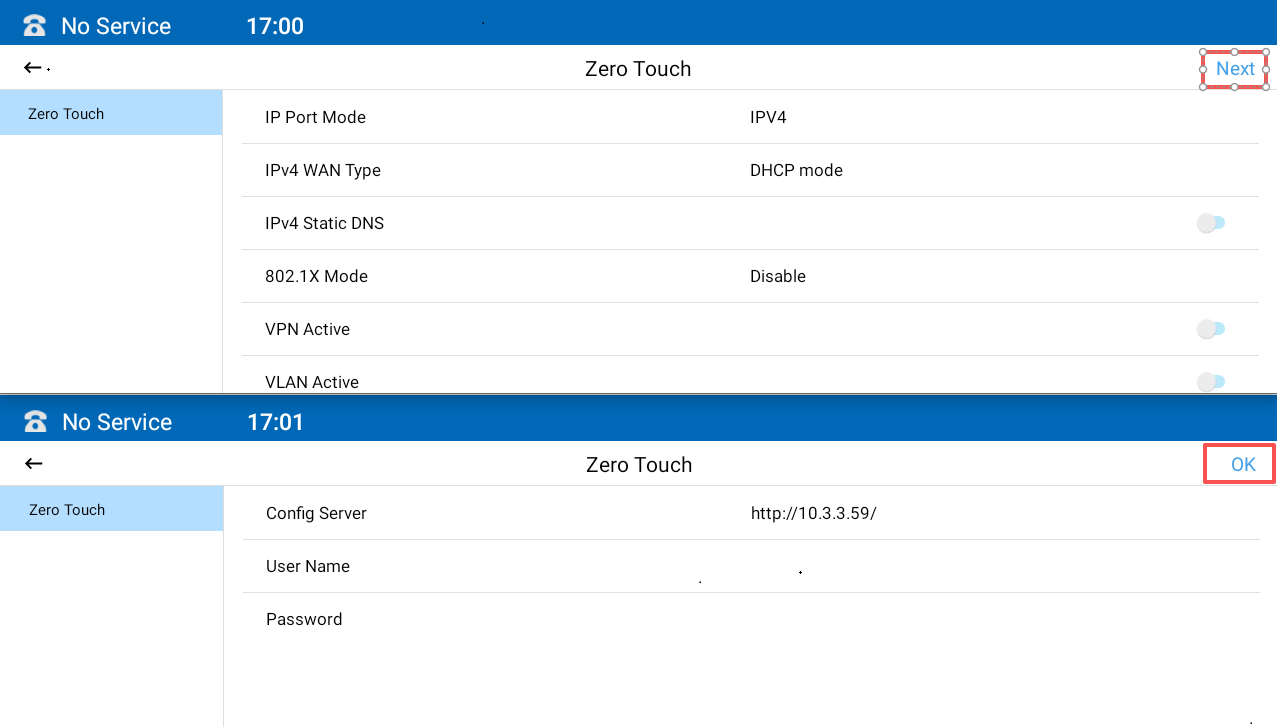
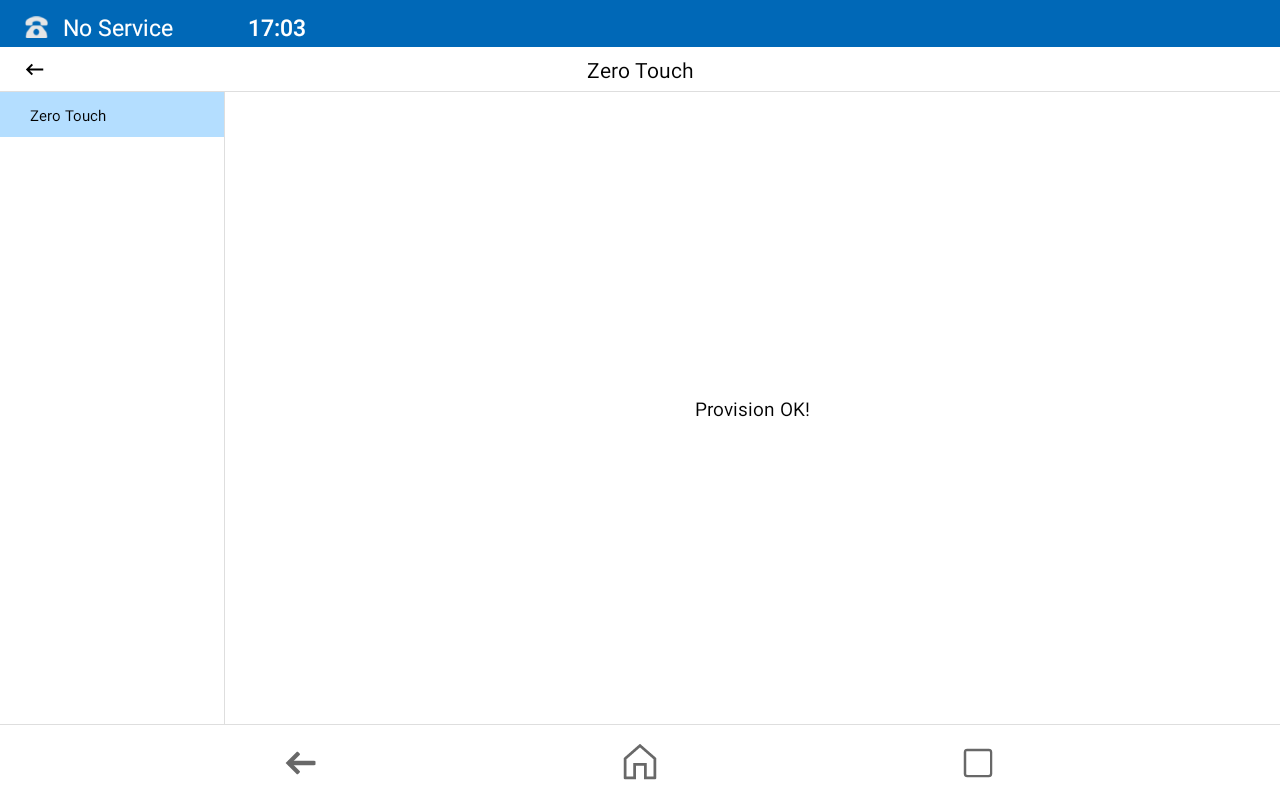
- The configuration is successful.
- Input the parameter into the XML configuration file.